
Download Codec Nics XviD MPEG-4 – XviD, MPEG-4, video codec, playback, Windows, free, download, install, lightweight, compatibility, utility, tool
Overview
Codec Nics XviD MPEG-4 is a utility application designed to enable seamless playback of video files encoded in the XviD and MPEG-4 formats on Windows systems. As a specialized codec pack, it addresses a common challenge in multimedia consumption: the inability to play certain video files due to missing or incompatible codecs. This tool is particularly valuable for users who frequently access video content created with open-source compression technologies, which were widely adopted in the early 2000s for efficient storage and distribution.
The app serves as a lightweight solution for users encountering playback errors when opening XviD-encoded videos, such as those found in movie rips, user-generated content, or older digital media collections. Its primary purpose is to eliminate compatibility barriers without requiring technical expertise. While the developer did not provide detailed background information, the app’s long-standing presence since its release in 2005 suggests it has maintained relevance within niche communities focused on video playback and media archiving.
Real-world use cases include watching downloaded movies, viewing home videos, or accessing educational content encoded with XviD. In the broader app ecosystem, it fills a critical gap for legacy multimedia support, especially on systems where modern codecs are not automatically installed. Despite its age, the tool remains functional for its intended purpose, offering a no-frills approach to video playback enhancement.
Key Features & Functionality
- Easy Installation – The codec pack installs automatically upon execution of the downloaded file. No configuration steps or advanced settings are required, making it accessible to users with minimal technical knowledge.
- Wide Compatibility – Once installed, the codec enables playback of XviD and MPEG-4 encoded video files across most standard media players on Windows, reducing the likelihood of playback errors.
- Lightweight Design – At just 1.5 MB, the application occupies minimal disk space and does not impose a performance burden on the system, ensuring stable operation even on older hardware.
- Enhanced Video Playback – The codec optimizes decoding processes to support smooth playback of high-definition content, improving visual quality and reducing stuttering during playback.
For example, a user attempting to watch a movie downloaded from a torrent site encoded in XviD can resolve playback issues simply by installing this tool. Similarly, educators or archivists managing legacy video collections can use it to maintain access to older digital media without relying on complex software suites. The straightforward functionality ensures that users can focus on viewing content rather than troubleshooting technical issues.
Interface, UX & Performance
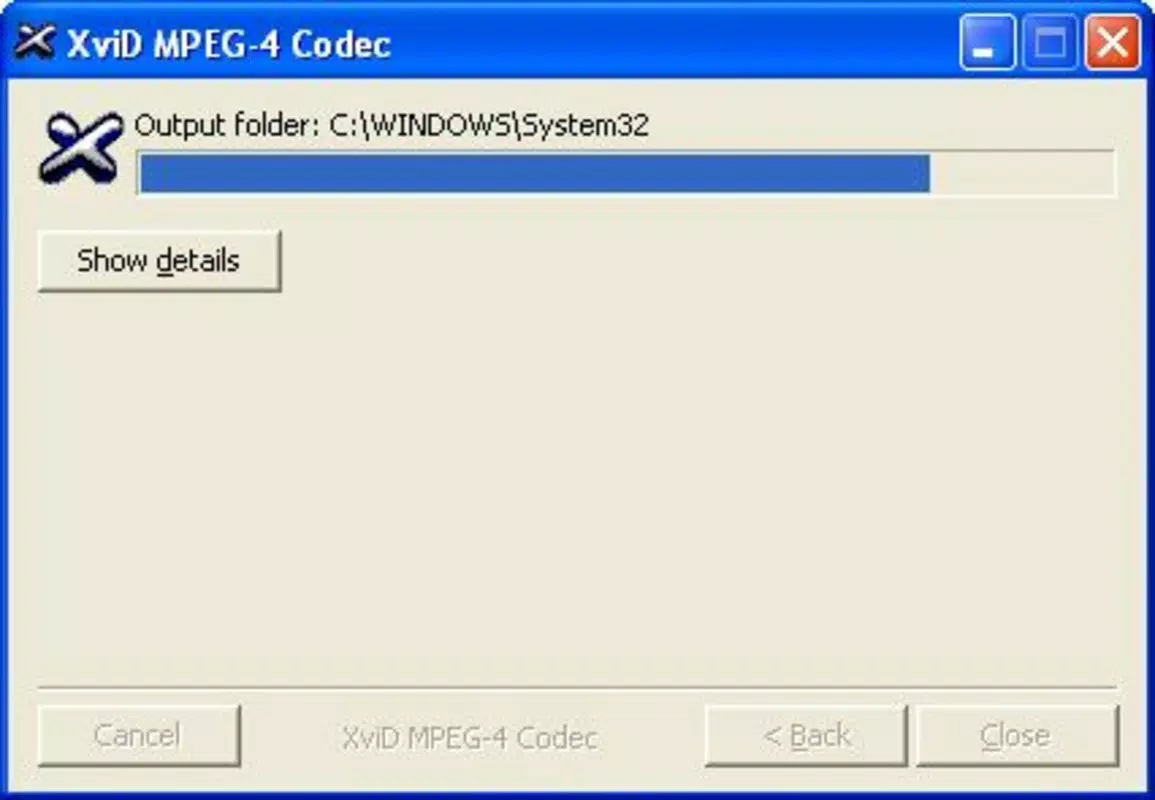
As a codec utility, Codec Nics XviD MPEG-4 does not feature a traditional user interface. Instead, it operates through a silent installation process, with no visible controls or settings menus. This minimalist approach aligns with its purpose: to deliver a background functionality without user intervention.
Navigating the app is not applicable in the conventional sense, as it does not require ongoing user interaction. After installation, the codec integrates with the operating system and media players, enabling playback automatically. The absence of a GUI reduces complexity and potential points of failure.
Although the developer did not list formal performance metrics, the lightweight nature of the application suggests it maintains low resource usage. It is designed to function efficiently across various Windows device categories, including older systems with limited processing power. Responsiveness is not a concern due to the minimal runtime footprint, and stability is maintained through a simple, focused design. The lack of updates since 2005 implies that the tool operates reliably within its intended environment, though it may not support newer video encoding standards.
Platform Compatibility & Technical Requirements
Codec Nics XviD MPEG-4 is designed exclusively for the Windows platform. The application is compatible with Windows operating systems, though specific version requirements were not listed by the developer. Given its release date of April 8, 2005, it was originally intended for use with Windows XP and later versions.
The file size of the application is 1.5 MB, which indicates a compact and efficient distribution package. This small footprint makes it suitable for systems with limited storage capacity or older hardware. The developer did not specify minimum OS requirements or hardware specifications, so users should exercise caution when installing on modern systems with updated security policies.
Compatibility information was not fully disclosed, and the absence of recent updates raises questions about support for newer Windows versions. However, the tool’s continued availability suggests it may still function on current systems through compatibility modes or legacy support features.
Pros and Cons
Pros
- Simple, one-click installation process with no technical setup required.
- Extremely lightweight at only 1.5 MB, minimizing system impact.
- Effective at resolving playback issues for XviD and MPEG-4 video files.
- Free to download and use, with no licensing or subscription fees.
- Designed for users with limited technical knowledge seeking immediate playback solutions.
Cons
- Released in 2005, with no known updates or maintenance since then.
- No official support for modern Windows versions beyond basic compatibility.
- Lacks a user interface or settings for customization.
- Not suitable for newer video codecs or formats not related to XviD/MPEG-4.
- Developer did not provide detailed technical documentation or troubleshooting guides.
FAQ
Is Codec Nics XviD MPEG-4 safe to download and install?
The app is free and available from trusted sources, but users should ensure they download it from official or verified platforms to avoid bundled software or malware.
Can I use this codec on Windows 10 or Windows 11?
While the developer did not specify compatibility, many users report successful installation and playback on modern Windows versions using compatibility mode.
Does this tool work with all video players?
It integrates with most standard media players on Windows, including VLC, Windows Media Player, and others, but results may vary depending on the player’s configuration.
Is there a mobile version available?
No, the application is designed exclusively for Windows desktop systems and is not available on Android or iOS platforms.
Are there any updates or future releases planned?
The developer has not announced any updates or new versions since the original release in 2005.
Final Thoughts
Codec Nics XviD MPEG-4 remains a functional tool for users needing to play XviD and MPEG-4 encoded videos on Windows systems. Its lightweight design, straightforward installation, and free access make it a practical choice for those managing older video collections or accessing legacy media. While its age and lack of updates are notable limitations, it continues to serve a specific niche within the utility category.
For individuals who encounter playback errors with XviD files and lack access to modern codec packs, this utility offers a reliable, no-cost solution. Its value lies in simplicity and focus—delivering exactly what it promises without unnecessary features or overhead.
Download Codec Nics XviD MPEG-4 now


